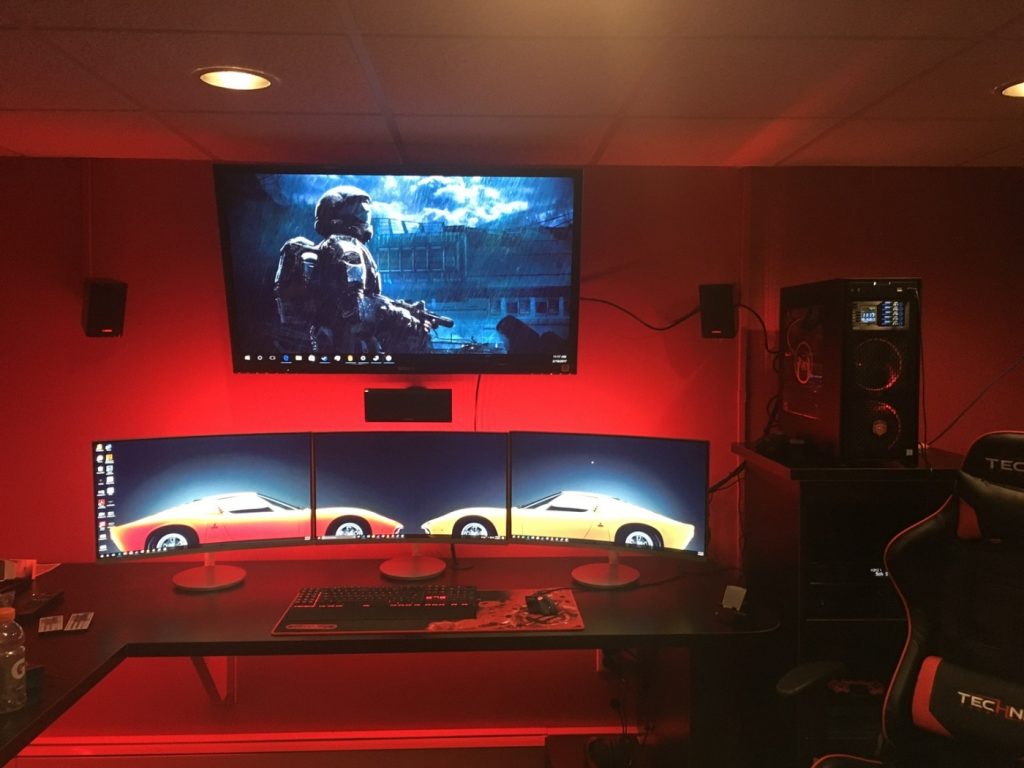
In recent times, online gaming has become more competitive than ever, and you need to have every advantage possible to win. One of the things that puts you at a disadvantage and kills the thrill of a match is lag. You could have the best gaming gear, years of practice, and the sharpest reflexes, yet if your connections stutter, it can cost you the match. For this reason, optimizing your WiFi router for a lag-free gaming experience is very important. Here are some proven ways to optimize your router for a lag-free gaming experience.
Optimize Router Placement
Most people don’t realise that router placements matter more than they realise or might think. WiFi signals travel best in open spaces, while thick walls, floors, and metal objects can weaken the signals, resulting in slower speeds and higher latency. You should position your router in a central location in your home to ensure equal coverage across the home, especially if you game in a separate room.
Keep your WiFi router away from sources of interference like microwaves, cordless phones, and baby monitors, which might disrupt the signal. Consider placing the router on a shelf or a high location instead of the floor, as this improves range and stability.
Use QoS (Quality of Service)
Modern-day WiFi routers come with a feature called QoS or Quality of Service. With the help of this feature, you can prioritise gaming traffic over other internet activities on the network. For instance, if someone is streaming a movie or downloading a file, QoS will ensure that your gaming packets are delivered first, preventing lag spikes. You can configure QoS by logging into your router’s admin via 192.168.1.1 and selecting your gaming device to receive priority on the network.
Reduce Number of Connected Devices
Every device that is connected to the network competes for bandwidth. The greater the number of connected devices, the higher the chances of congestion. If multiple people are connected to the network and downloading, streaming, or video calling while you are gaming, then lag is inevitable. To optimize your connection and prevent lag, you should reduce the number of connected devices during your gaming sessions.
Use a Gaming VPN
While VPNs are generally linked with security and privacy, they can help in specific gaming scenarios too. If your ISP throttles gaming traffic, a gaming VPN can be used to reroute your traffic, reduce lag, and improve stability. A gaming VPN can also be used to find the fastest servers nearby, especially when playing on international servers. You can set up a gaming VPN for your entire network through 192.168.0.1, the router’s admin panel.
It is crucial to choose the right VPN with low latency and high-speed servers that are designed for gaming because a free or unreliable VPN can actually increase lag, so keep this in mind.
Upgrade to a Gaming Router
Sometimes your router may be the issue why you are facing lag in your online gaming sessions, and you should consider upgrading to a gaming router. Standard WiFi routers are built for everyday use, while gaming routers are designed with advanced hardware and features like adaptive QoS, high-speed processors, multiple antennas, and robust cooling systems to provide better gaming performance and reduce latency. If you are serious about competitive gaming, upgrading to a gaming router is an investment that can future-proof your gaming setup.
Use a Wired Connection
No matter how fast or advanced WiFi technology becomes, a wired Ethernet connection is always a more reliable option. For competitive gaming and esports, your best choice is to use a wired connection over WiFi. Using an Ethernet cable will minimize latency and ensure zero signal drops. Plus, there will be no interference or congestion that WiFi connections generally face, giving you a stable and direct path to the internet. So, even after configuring and optimizing the router, you are still facing lag; then an Ethernet connection is the best option that you have available.
Leave a Reply